Separate the visitor paths.
Industry and Academia have dedicated pages in the main navigation and paired pathways on the homepage. Visitors can go straight to the context that matches their interest.
View the industry path ↗01 / WEBSITE DEVELOPMENT
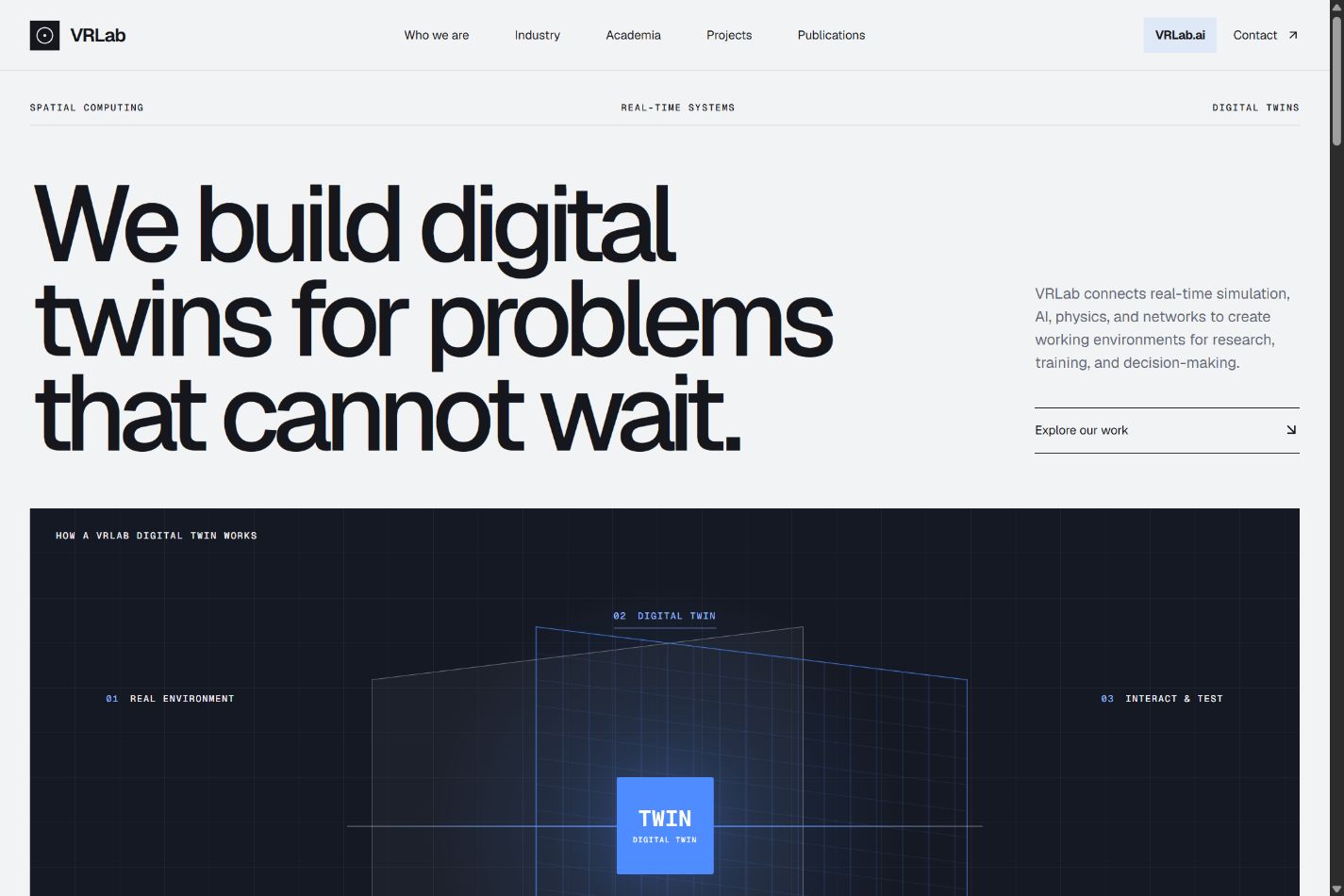
I designed, built, and deployed the website for VRLab, a lab working with digital twins, real-time simulation, and AI. My work covered the visual design, page structure and content, and coding.
The website introduces the lab, explains its process through an interactive diagram, and gives industry and academic visitors direct paths into the work.
Explore the live website ↗THE COMMUNICATION CHALLENGE
VRLab’s website brings together research, industry applications, publications, and AI demonstrations. A visitor needs both an understandable introduction and a direct route to the material relevant to them.
The current structure addresses those needs at different levels: a short statement of the lab’s work, a three-step explanation, audience-specific pages, and a project collection.
THREE DECISIONS VISIBLE IN THE PRODUCT
Industry and Academia have dedicated pages in the main navigation and paired pathways on the homepage. Visitors can go straight to the context that matches their interest.
View the industry path ↗The digital-twin diagram has three selectable stages. Selecting a stage updates the central label and its explanation, connecting an abstract term to a concrete sequence.
Inspect the interaction ↓Selected projects appear on the homepage with media, descriptions, and links to videos. Projects, Publications, and VRLab.ai remain directly available in the navigation.
Browse the project collection ↗INTERACTION DETAIL
Real environment → Digital twin → Interact & test.
Each stage is a button. The implementation keeps the selected stage in React state and presents the corresponding explanation in a live region. Pointer movement adds depth to the diagram; the buttons provide the actual information.
Try the original on VRLab ↗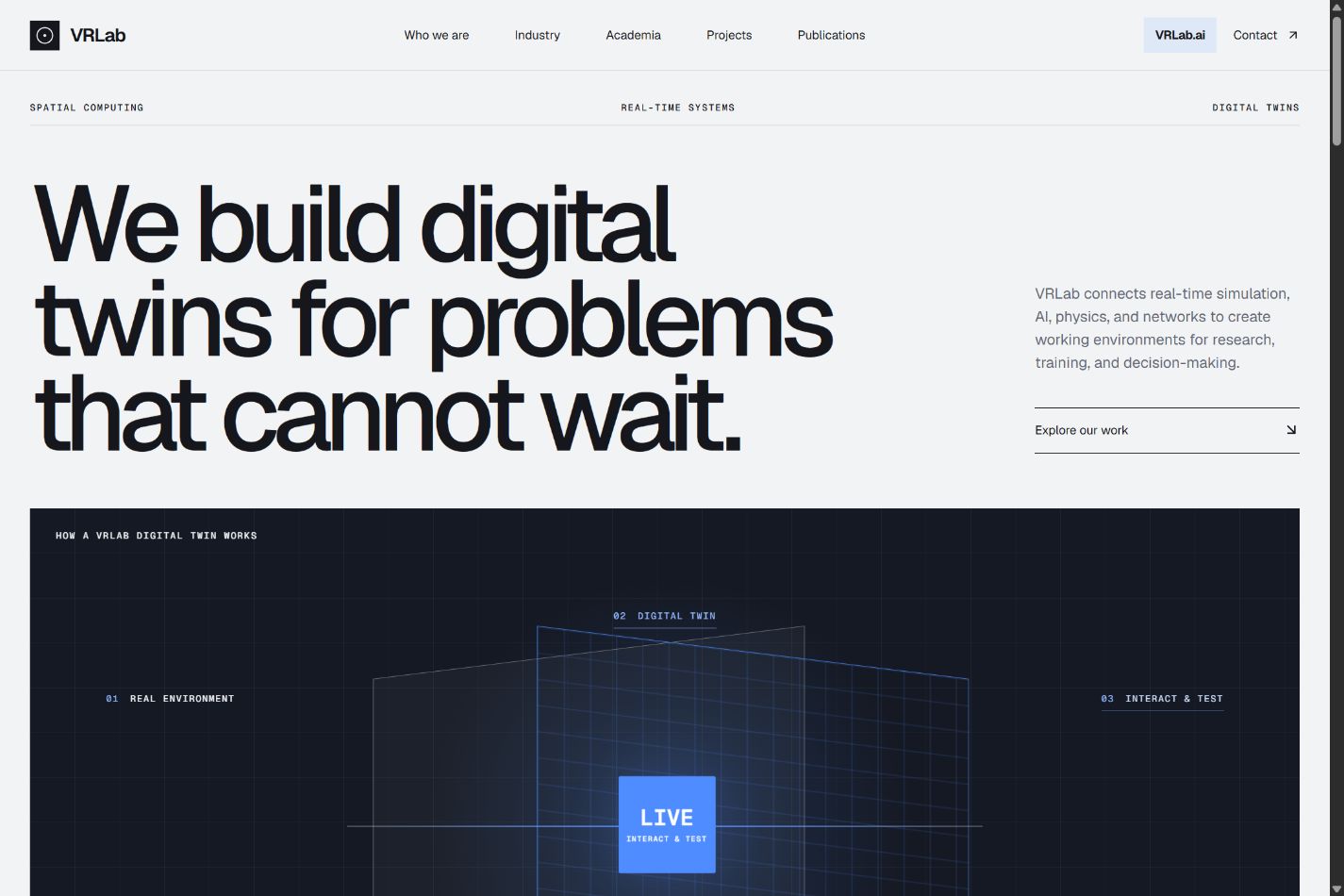
IMPLEMENTATION & CONSTRAINTS
Shared header and footer components keep navigation consistent. Project content and interactive components sit separately from page layouts, allowing the same patterns to appear across the site.
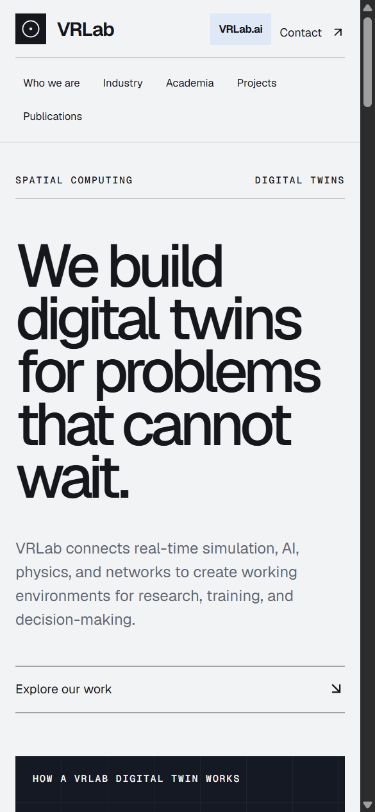
The layout reflows for smaller screens. The mobile capture below shows the same live homepage at 390 pixels wide, rather than a separate mockup.
The local project includes an export script that prepares route-specific HTML and release-specific assets for the existing hosting setup. This is a concrete implementation constraint behind the site, beyond its visual presentation.
WHAT THIS PROJECT SHOWS
The live site provides a reviewable result: navigation, a selectable explainer, and project presentation that a visitor can inspect directly.
View the result ↗Credits & scope. My contribution covered website design, page structure and content, coding, and deployment. Research, scientific claims, project imagery, and videos displayed within the VRLab website belong to VRLab and their credited contributors. They are shown here as website content, not as research I authored.